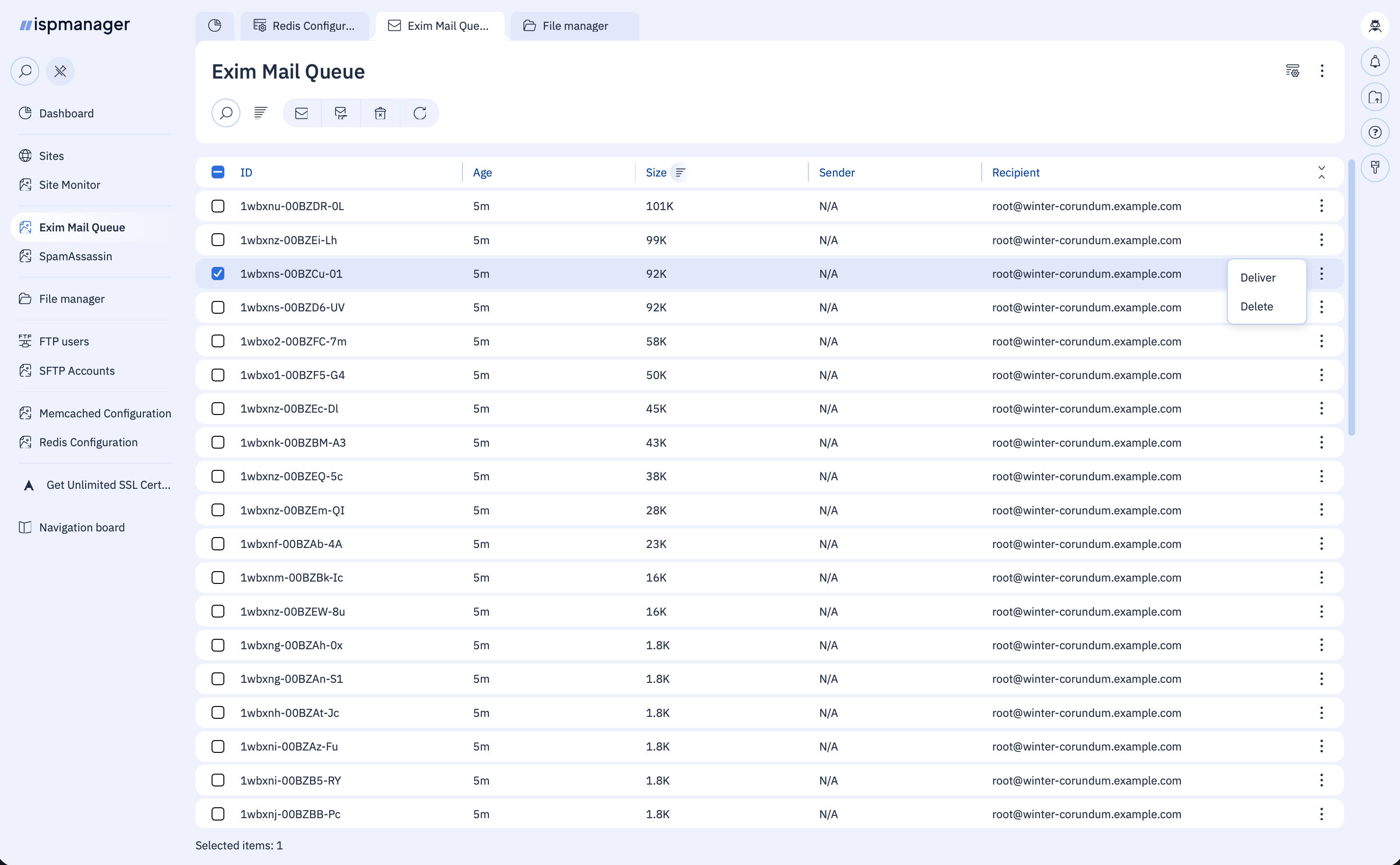
Managing the Exim mail queue in ispmanager 6
You can manage the Exim mail queue via the ispmanager 6 web interface using our plugin.
The plugin offers the following features:
- View the current Exim mail queue;
- Sort the list of emails by ID, age, size, sender, or recipient;
- Delete emails from the queue—either individually or in bulk;
- Force the processing of emails in the queue—either for selected items or for the entire queue;
- Refresh the current mail queue;
- View the total number of emails in the queue.
Installation
To install, download and place the plugin files:
- Download the file ispmgr_mod_eximqueue.xml and place it in the /
usr/local/mgr5/etc/xml/directory - Download the file exim_queue.py and place it in the
/usr/local/mgr5/addon/directory - Set the permissions for the exim_queue.py file to
750by running the following command:
chmod 750 /usr/local/mgr5/addon/exim_queue.py
Once the files have been placed, restart the panel core by running the following command:
pkill core
Queue management will be available in the Main menu in the Mail block, under the Exim mail queue item.