Buy add-ons in the ispmanager 6 panel
In this article we describe the process of purchasing an add-on using BitNinja as an example.
To purchase an add-on module:
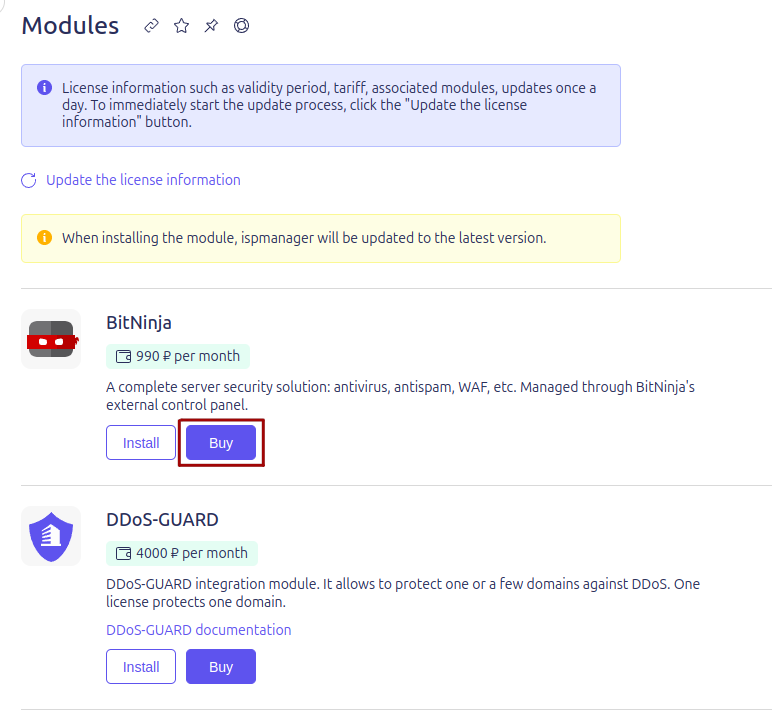
- Go to Modules select a desired module from the list and click the Buy button.
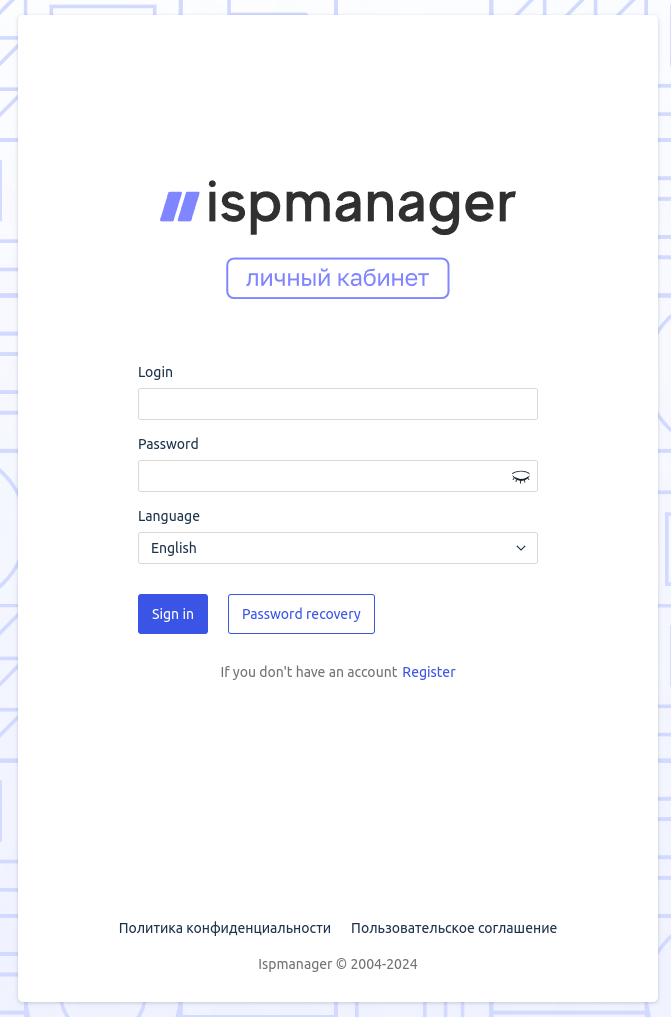
- Register or log into your personal account.
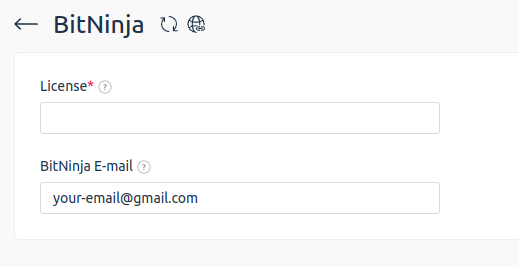
- In your personal account, select the required module and enter your ispmanager license ID.
- Click the Buy button.
- Select a payment method and click the Buy button.
- If the service is activated successfully, there will be a Service is ready for use message in the Orders section.