Issuing a certificate via DNS-based domain validation
After ordering a certificate that uses DNS-based domain validation, you must complete the following steps:
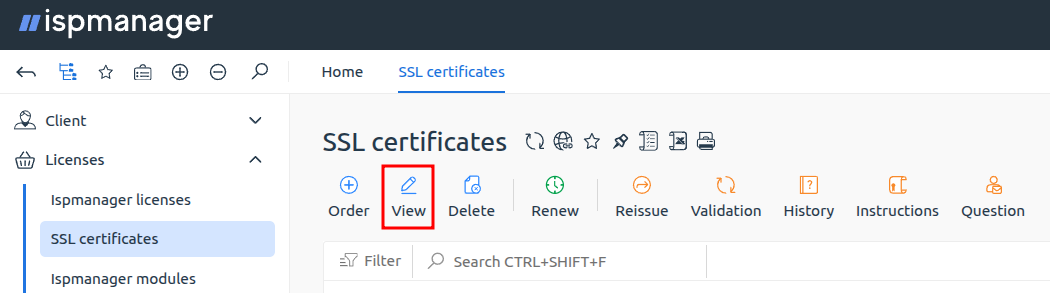
- Add a TXT record for your domain through your domain registrar, using the value provided when you ordered the certificate. You can retrieve this value again in your client area by navigating to the SSL certificates section, selecting the relevant certificate, and clicking View.
- Wait for the record to propagate across global DNS servers. You can verify your domain's DNS records using third-party services such as DNS Propagation Checker or DNS Checker.
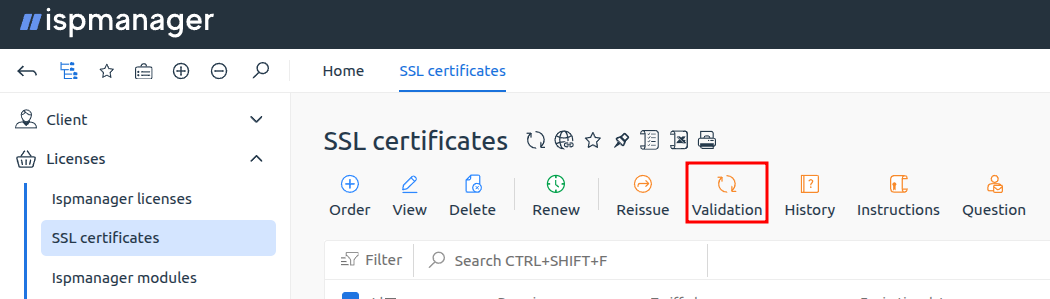
- Once the TXT record is available across all global DNS servers, log into your account, go to the SSL certificates section, and click Validation.