Reloading Linux-based server
A server reboot is occasionally required to apply various system changes and updates.
Rebooting is not recommended when upgrading the system or its components, including when upgrading the ispmanager panel.
Via terminal
To reboot the server via the terminal, connect to the server via SSH as a user with administrator privileges and run the command:
reboot
Via ispmanager 6
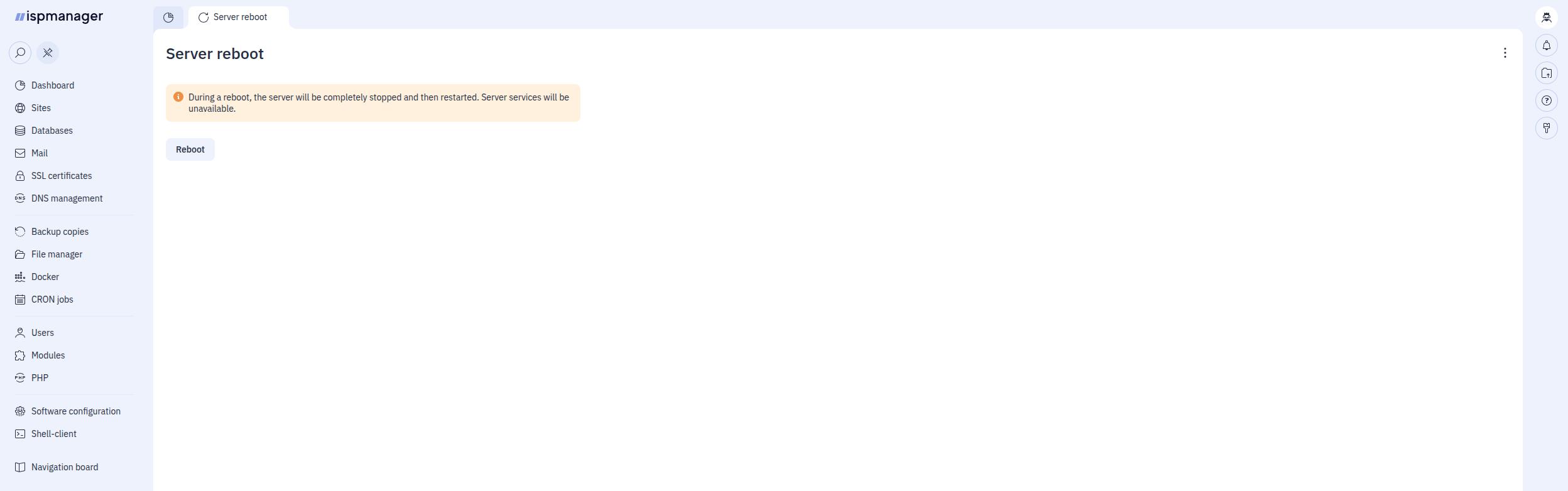
You can reboot the server from the panel's web interface.
To do so, go to Navigation board - Reboot Server and click the Reboot button.