How to change the ispmanager 6 panel theme
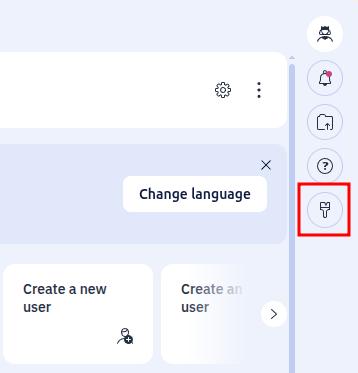
To change the theme of your ispmanager 6 panel, click on the brush icon on the right side of the page.
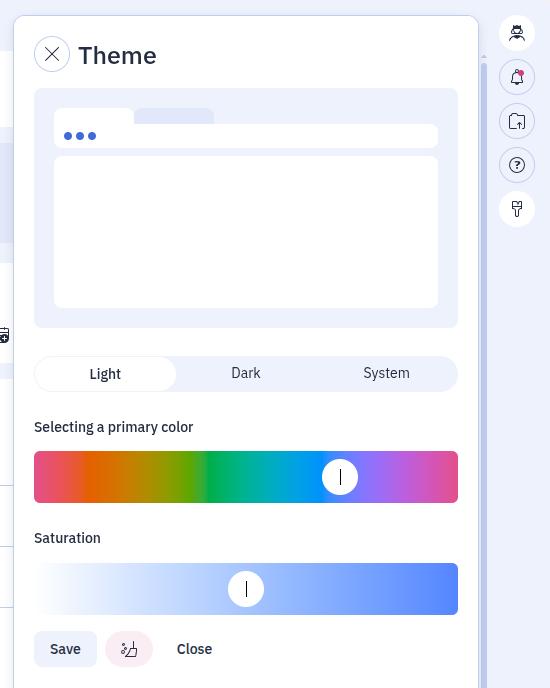
In the window that appears, you will be able to choose a color scheme (Light or Dark), as well as select the primary color of the panel and its saturation.